| .github | ||
| docs | ||
| pybitblock | ||
| umbrel | ||
| .dockerignore | ||
| .gitignore | ||
| AUDIT_REPORT.json | ||
| AUDIT_REPORT.md | ||
| Captura desde 2026-04-01 15-31-11.png | ||
| Captura desde 2026-04-01 15-32-16.png | ||
| Captura desde 2026-04-01 16-16-23.png | ||
| Captura desde 2026-04-01 16-16-39.png | ||
| dockerfile | ||
| entrypoint.sh | ||
| LICENSE | ||
| migrate_config.py | ||
| poetry.lock | ||
| PR_ORACLEVISION.md | ||
| PR_ORACLEVISION_V2.2.md | ||
| PyBLOCK-Bitaxe.scriptable | ||
| PyBLOCK-Widget.scriptable | ||
| pyblock.png | ||
| pyproject.toml | ||
| README.md | ||
| requirements.txt | ||



----------------------
CPU Usage: X%
Memory Usage: X%
----------------------

Local: PyBLOCK
Node:  XxXxXxX
Block: XxXxXxX
Version: X.x.X

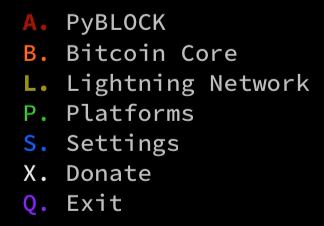
A. PyBLOCK
B. Bitcoin
L. Lightning
P. Platforms
S. Settings
X. Donate
Q. Exit

Select option:
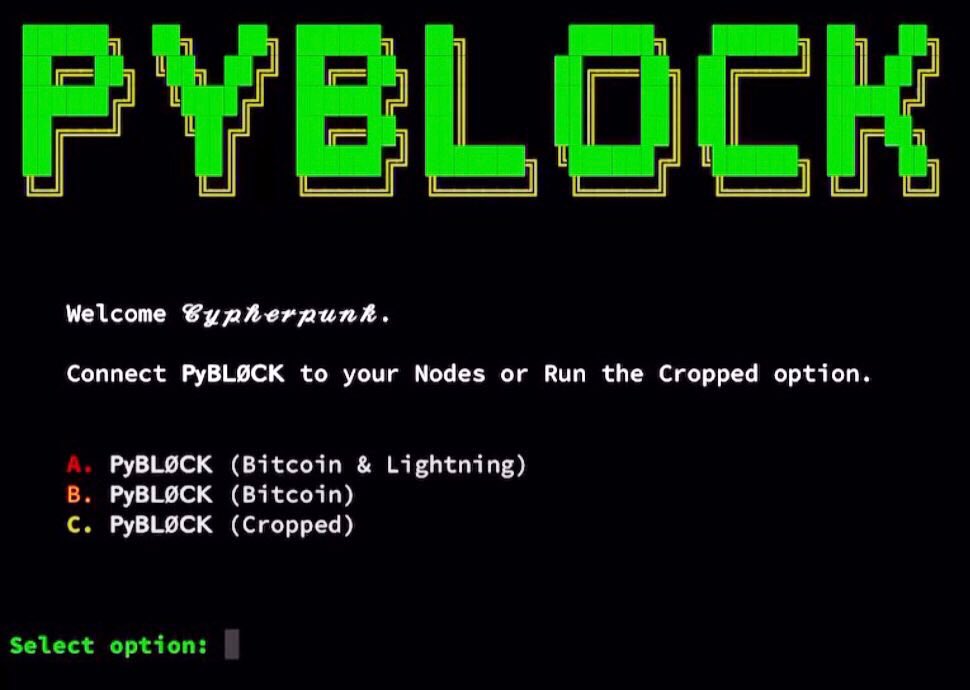
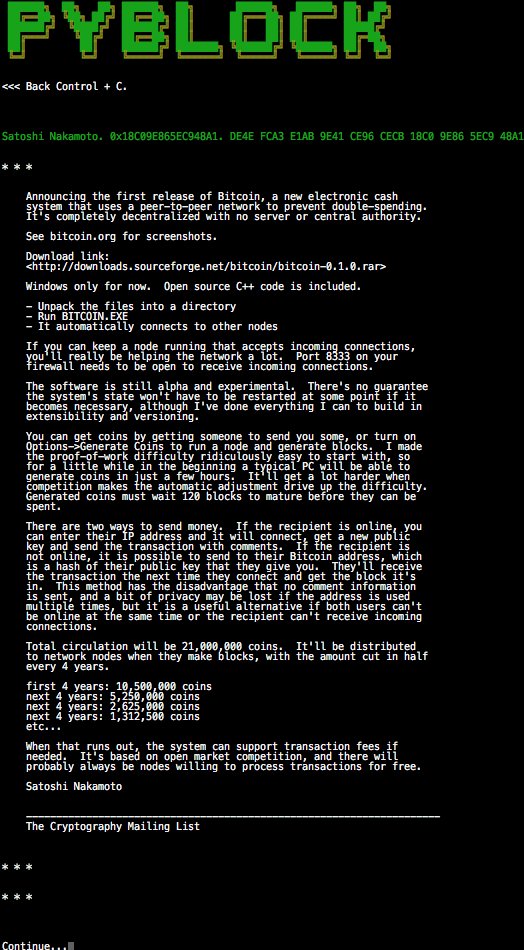
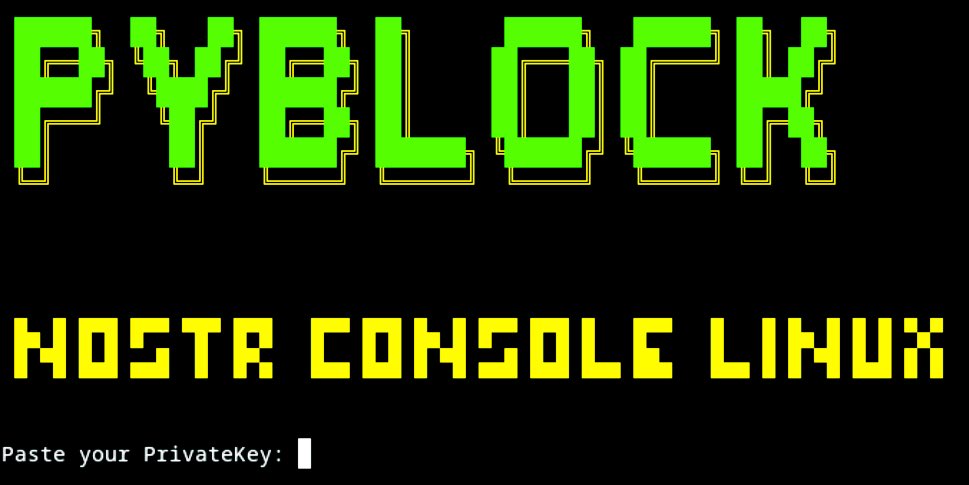

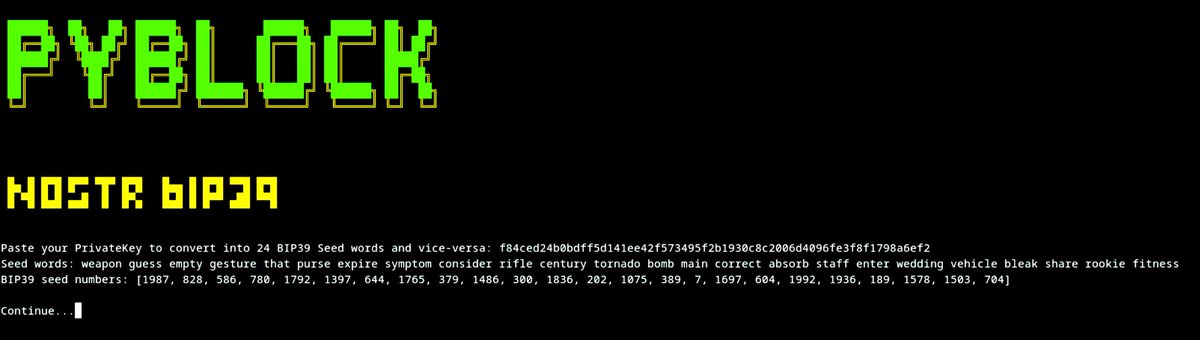
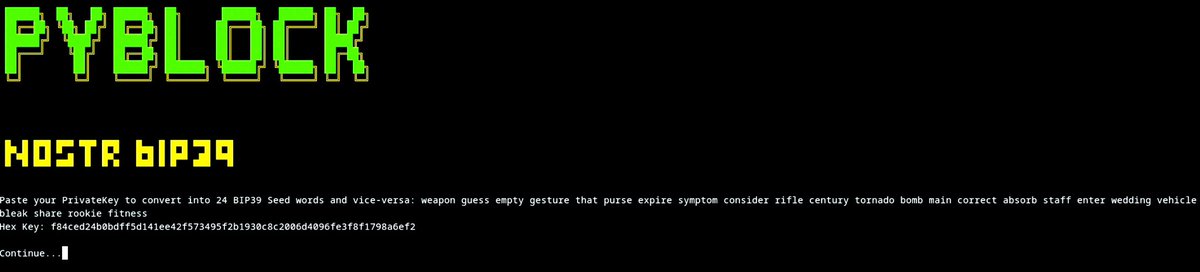
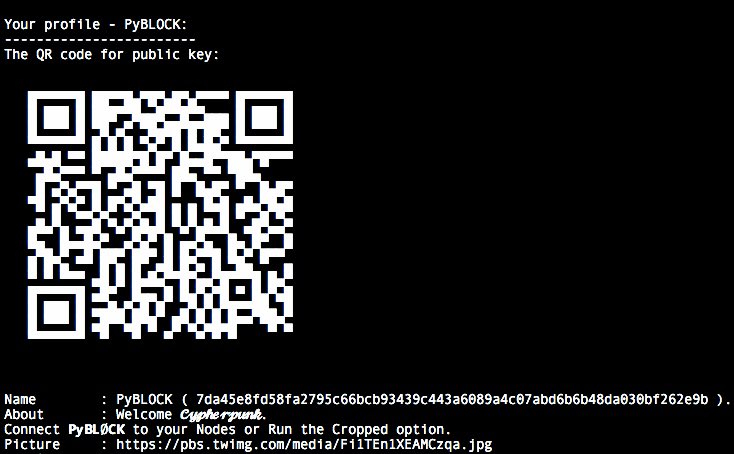
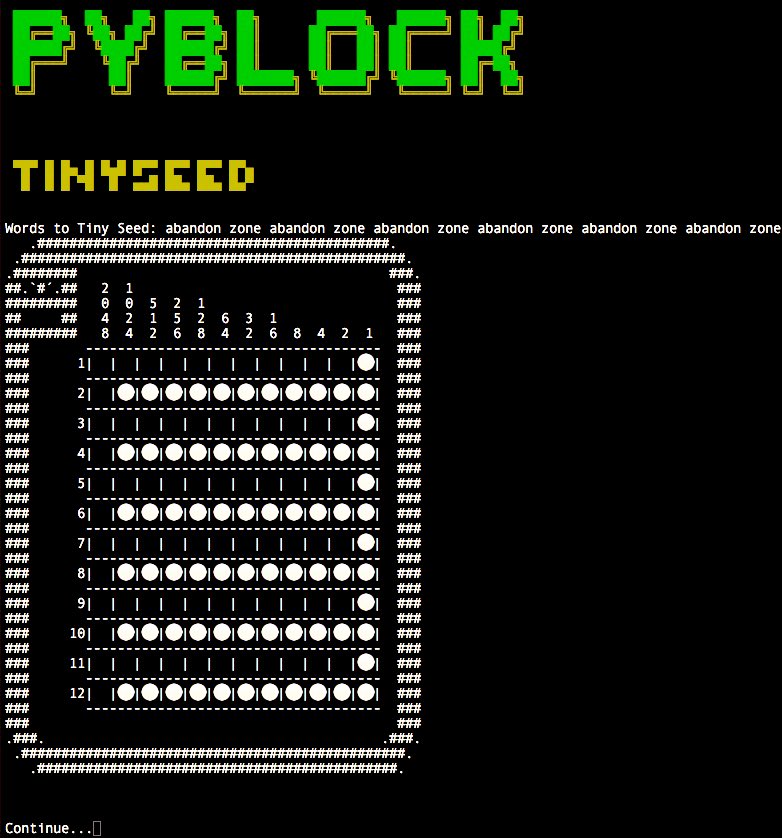
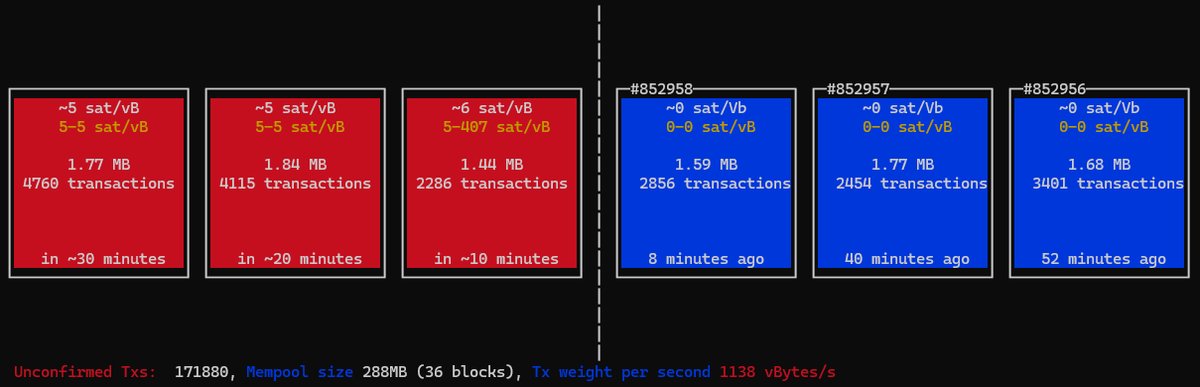
PyBLOCK
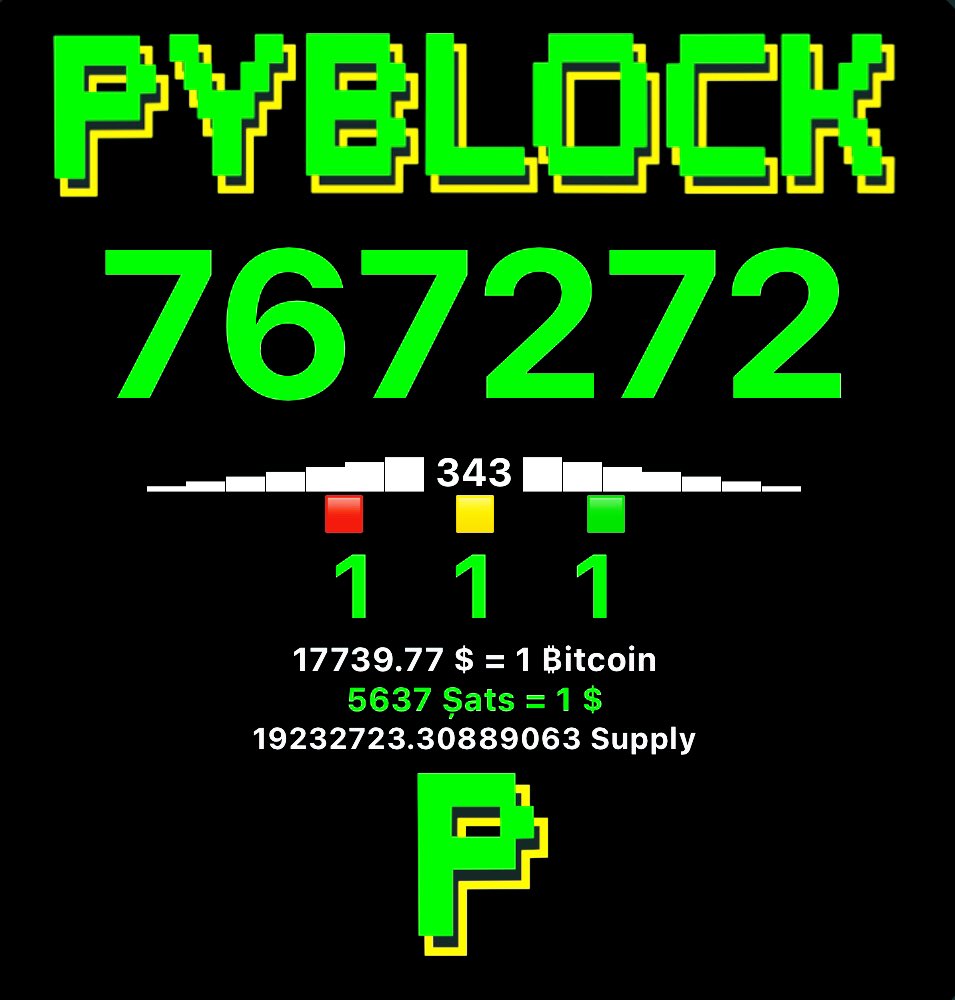
ℙ𝕪𝔹𝕃𝕆ℂ𝕂 𝕚𝕥𝕤 𝕒 𝔹𝕚𝕥𝕔𝕠𝕚𝕟 𝔻𝕒𝕤𝕙𝕓𝕠𝕒𝕣𝕕 𝕨𝕚𝕥𝕙 ℂ𝕪𝕡𝕙𝕖𝕣𝕡𝕦𝕟𝕜 𝕒𝕖𝕤𝕥𝕙𝕖𝕥𝕚𝕔.
- This will fully work on a Node that has Bitcoin Core and LND installed.
- We fully tested and worked perfect on MyNodeBTC
- We fully tested and worked perfect on RaspiBlitz
- We fully tested and worked perfect on BitcoinMachines
- We fully tested and worked perfect on Umbrel
First Start
-
You will need to find the path of the files tls.cert and admin.macaroon to do the REST connection to have access to LND.
-
Poetry is needed to ensure every user has the same python dependencies installed.
From LOCAL Node
Open the Terminal.
-- Easy mode:
- a@A:~> sudo apt install hexyl
- a@A:~> sudo apt install jq
- a@A:~> pip3 install pybitblock
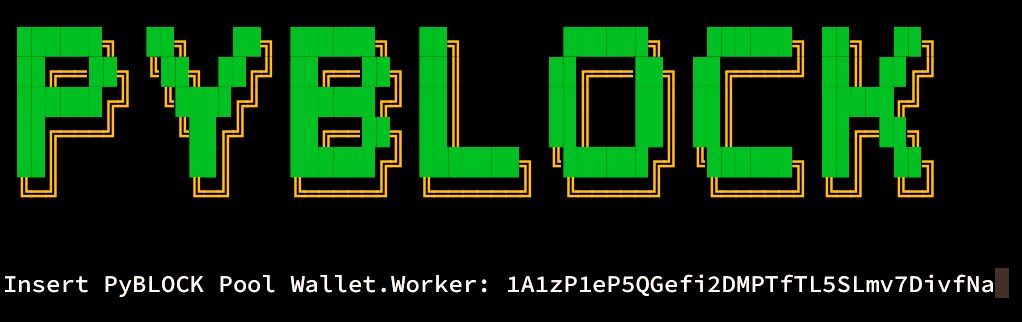
- a@A:~> pyblock
-- Manual mode:
- a@A:~> sudo apt install hexyl
- a@A:~> sudo apt install jq
- a@A:~> git clone https://github.com/curly60e/pyblock.git
- a@A:~> cd pyblock
- a@A:~> pip3 install -r requirements.txt
- a@A:~> cd pybitblock
- a@A:~> python3 PyBlock.py
-- Poetry mode:
- a@A:~> sudo apt install hexyl
- a@A:~> sudo apt install jq
- a@A:~> pip3 install poetry
- a@A:~> git clone https://github.com/curly60e/pyblock.git
- a@A:~> cd pyblock
- a@A:~> poetry install
- a@A:~> cd pybitblock
- a@A:~> poetry run python3 PyBlock.py
-- Upgrade:
- a@A:~> pip3 install pybitblock -U
- a@A:~> pyblock
- Or
- a@A:~> cd pyblock
- a@A:~> git pull origin master
- a@A:~> cd pybitblock
- a@A:~> python3 PyBlock.py
- This is how we continue.

- It will ask you for the IP:PORT (REST PORT) in this case use: localhost instead of the IP.

- Then it will ask you for the path to the tls.cert.

- Then it will ask you for the path to the admin.macaroon.

- Then it will ask you for the path to bitcoin-cli or if you have already installed just put: bitcoin-cli.

- And you are in.

From REMOTE Computer
- You will need to have tls.cert and admin.macaroon already downloaded from your LND node.
- Poetry is needed to ensure every user has the same python dependencies installed.
Open the Terminal.
-- Easy mode:
- a@A:~> sudo apt install hexyl
- a@A:~> sudo apt install jq
- a@A:~> pip3 install pybitblock
- a@A:~> pyblock
-- Manual mode:
- a@A:~> sudo apt install hexyl
- a@A:~> sudo apt install jq
- a@A:~> git clone https://github.com/curly60e/pyblock.git
- a@A:~> cd pyblock
- a@A:~> pip3 install -r requirements.txt
- a@A:~> cd pybitblock
- a@A:~> python3 PyBlock.py
-- Poetry mode:
-
a@A:~> sudo apt install hexyl
-
a@A:~> sudo apt install jq
-
a@A:~> pip3 install poetry
-
a@A:~> git clone https://github.com/curly60e/pyblock.git
-
a@A:~> cd pyblock
-
a@A:~> poetry install
-
a@A:~> cd pybitblock
-
a@A:~> poetry run python3 PyBlock.py
- This is how we continue.
- It will ask you for the IP:PORT (REST PORT).

- Then it will ask you for the path to the tls.cert.

- Then it will ask you for the path to the admin.macaroon.

- Then it will ask you for the path to bitcoin-cli or if you have already installed just put: bitcoin-cli.
- And you are in.
Dependencies
- Install Curl on Debian based type:
- sudo apt install curl
How to execute
- python3 PyBlock.py
OracleVision Integration (BIP-110 & Mempool Analysis)
PyBLOCK includes a lightweight integration with OracleVision for sovereign node operators running Bitcoin Knots with BIP-110 policy enabled. Philosophy: Don't Trust, Verify — all analysis runs locally against your node via bitcoin-cli.
Built-in features (Bitcoin → OV. OracleVision)
| Option | What it does |
|---|---|
| BIP-110 Block Scanner | Scans recent blocks for consensus violations, spam score (0–100), and status (CLEAN / SUSPICIOUS / VIOLATION) |
| Mempool Glass | Categorizes your node's current getblocktemplate into economic, consolidation, coinjoin, and spam buckets |
| Block Detail View | Deep-dive into a single block: miner tag, witness %, violation flags, problematic transactions — with drill-down to Transaction Inspector |
| Transaction & Address Inspector | Inspect any txid (flow, fees, BIP-110 flags, spam signals) or address (UTXO balance, mempool exposure) — verified locally |
| Launch Full OracleVision | Opens the standalone Textual TUI if installed (DATUM mining, Ocean panels, live charts, multi-screen navigation) |
Configuration
Copy the example config and adjust for your node:
cp pybitblock/config/oraclevision.conf.example pybitblock/config/oraclevision.conf
| Setting | Default | Description |
|---|---|---|
block_scan_count |
10 | How many recent blocks to scan |
spam_score_threshold |
45 | Score above this marks a block as VIOLATION |
bitcoin_datadir |
"" |
Optional -datadir for bitcoin-cli |
oraculovision_command |
oraculovision |
Command to launch the full TUI |
max_vin_lookups |
4 | Parent transaction RPC lookups to resolve input prevouts in Transaction Inspector |
scantxoutset_timeout |
90 | Seconds allowed for UTXO scan in Address Inspector |
mempool_scan_limit |
30 | Max mempool txs scanned for address mempool exposure |
detectors_enabled |
["builtin"] |
Active BIP-110/spam detector plugins |
Environment overrides: ORACULOVISION_BLOCK_SCAN_COUNT, ORACULOVISION_SPAM_THRESHOLD, ORACULOVISION_COMMAND, BITCOIN_DATADIR.
Full OracleVision TUI (recommended for power users)
The built-in tools cover the essentials. For the complete dashboard — DATUM solo mining panel, Ocean account stats, live mempool charts, and navigable BIP-110 tables — install the standalone project:
git clone https://github.com/MarcanoFilms/oraculovision.git
cd oraculovision
python -m venv .venv
source .venv/bin/activate
pip install -e .
oraculovision
From PyBLOCK, use Bitcoin → OV. OracleVision → E. Launch Full OracleVision TUI.
Extending detection logic
The analysis engine lives in pybitblock/oraclevision/ and is intentionally modular:
script_parser.py— BIP-110 size limits and witness/script parsingdetectors/— pluggable per-transaction rule checks (register new detectors via config)bip110.py— per-block aggregation and spam scoringspam_score.py— heuristic scoring (community-tunable weights)mempool_compose.py— block template categorizationtx_flow.py/tx_service.py— transaction flow parsing and deep inspectionaddress_service.py— UTXO balance and mempool exposure for addresses
Pull requests that improve heuristics or add new violation rules are welcome. Add detectors in oraclevision/detectors/ and keep UI code in oraclevision/ui.py separate from detection logic.
Running PyBLOCK using Docker
First check out or unzip the code to a directory, cd to that directory, and from there type the following commands: (Make sure Docker desktop is running in the background "sudo service docker start".)
- docker build -t pyblock .
Run it using
- docker run -p 6969:6969 -it pyblock
Then open http://localhost:6969 with a browser, you will get the PyBLOCK Docker App.
Credentials: "Running:PyBLOCK" ("User:Pass")
Created by
@Curly60e. ⚡️ holycherry05@phoenixwallet.me
npub1a78zk8cnczxjudg888f9t3va29vxhevvhdkdqvwe7zk70qx488zsc8573s
Pentester and contribution by
npub1h0mlskkqsyct98tldn744wa5j783h8du779c7zdjay29uyzwev4qxx9sjn
Contributor
Tools by
@SamouraiDev, @Korynewton, @Tippin_Me, @TallyCoinApp, @DJBooth007, @MemPool, @CoinGecko, @Igor_Chubin, @Shesek, @LNBits, @LNPAYco, @OpenNodeCo, @BlockStream, @Gwidion, @AlphaaZeta, @Hampus_S, @Mutatrum, @RoboHash, @C_Otto83, @BashCo_, @JamesOb, @BenTheCarman, @Whale_Alert, @BitcoinExplorer, @JanoSide, @LNstats, @Slush_Pool, @Braiins_Systems, @CKPoolDev, @KanoBTC, @JohnCantrell97, @JoostJgr, @PRguitarman, @NyanCat, @Mononautical, @Janna3257, @Cercatrova_21, @ChaumDotCom, @0xB10C, @BitRawr, @Vishalxl, @Odudex, @UTXOracle, @Acinq, @PhoenixWallet, @ForemanMining, @Ocean_Mining, @LuxorTechnology, @Skot9000, @PyPi, ...
PyBLØCK SOLO MINING POOL
Are you a Bitcoin Miner?
stratum+tcp://pool.pyblock.xyz:4444
Note that if you do not find a Block, you get no reward at all with Solo Mining.
0.4 % goes to PyBLØCK to operate the Pool.

Click here for more info
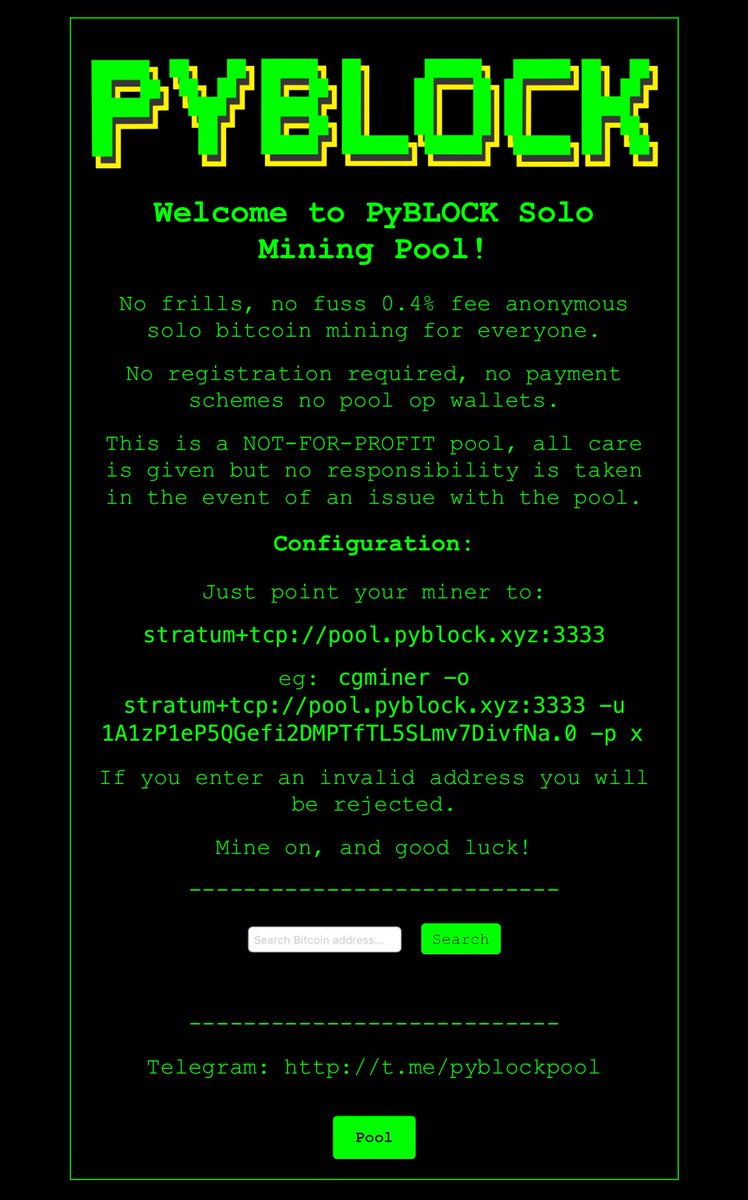
PyBLOCK POOL WEBSITE
PyBLOCK BOLT12

SUPPORT PyBLØCK.
Address:
“1Lovez8UtyFvr35wxDJeC23GryPR3q4cMo”
Message:
“The 1Love address it’s managed by PyBLØCK Crew.”
Signature:
“G36i/w72LGkUFSrA+/IuaCeRvXUjWIhgMw3FkNucXA3GQRn5RZPFVQ3nJscq1nRjtyK4JoMVG/pM1wQfqS+2+TQ=”
Other options:
Bolt12: ⚡️ holycherry05@phoenixwallet.me ⚡️
Bitcoin Address: bc1prwjajvvax2rkm2wzelpfzzc2ncywht69pswnurhzdfj9qujhyxzsqpd3eg

Samourai Wallet Paynym: PM8TJhNTTq3YVocXuPtLjKx7pKkdUxqwTerWJ2j2a7dNitgyMmBPN6gK61yE17N2vgvQvKYokXktt6D6GZFTmocvDJhaUJfHt7ehEMmthjsT3NQHseFM

Monero: 42jtb4dAfm6BQ8h6x56qGyAMMHVXGRwRMTSb2LwsBg1jVqD4TxfpD1pTK56tkrTMGhEKipZdDHfJrB1g8iQfvSyC7gZ9M8M

PyBLØCK Nostr Pulic Channel