 ----------------------
CPU Usage: X%
Memory Usage: X%
----------------------
Local: PyBLOCK
Node: XxXxXxX
Block: XxXxXxX
Version: X.x.X
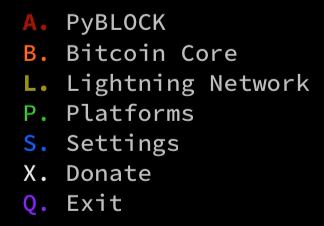
A. PyBLOCK
B. Bitcoin Core
L. Lightning Network
P. Platforms
S. Settings
X. Donate
Q. Exit
Select option:
----------------------
CPU Usage: X%
Memory Usage: X%
----------------------
Local: PyBLOCK
Node: XxXxXxX
Block: XxXxXxX
Version: X.x.X
A. PyBLOCK
B. Bitcoin Core
L. Lightning Network
P. Platforms
S. Settings
X. Donate
Q. Exit
Select option:
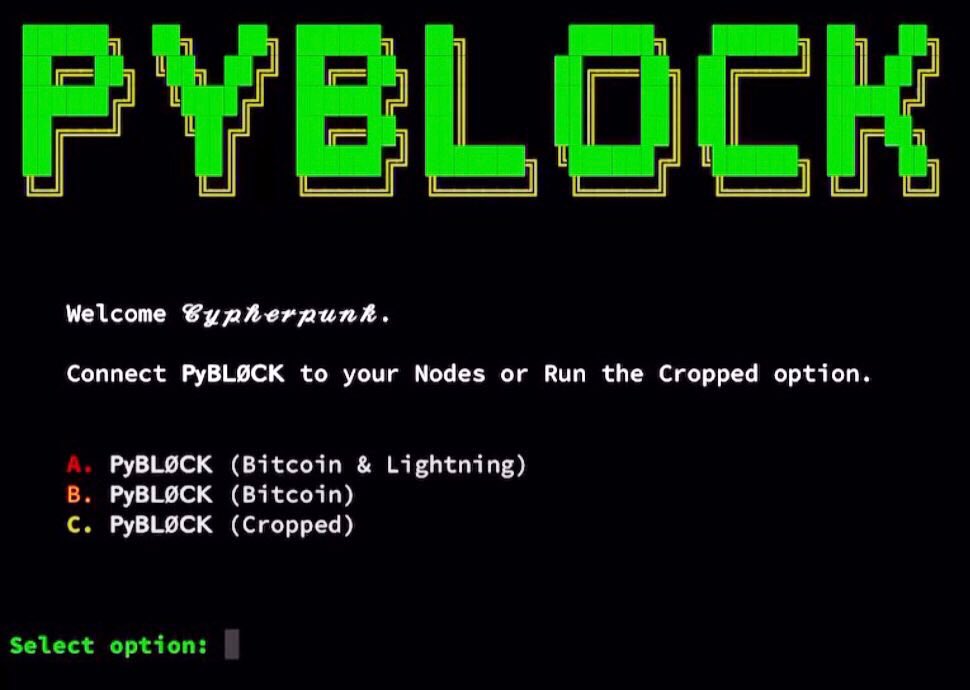
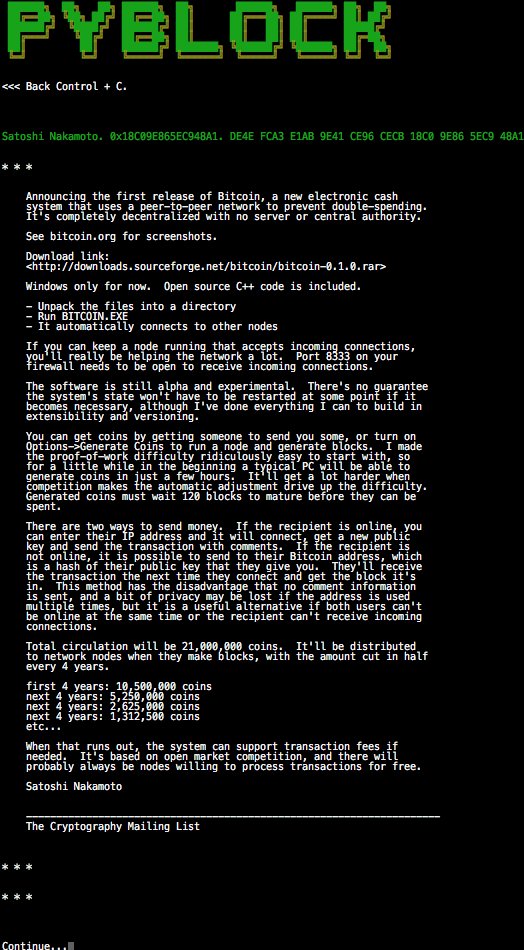
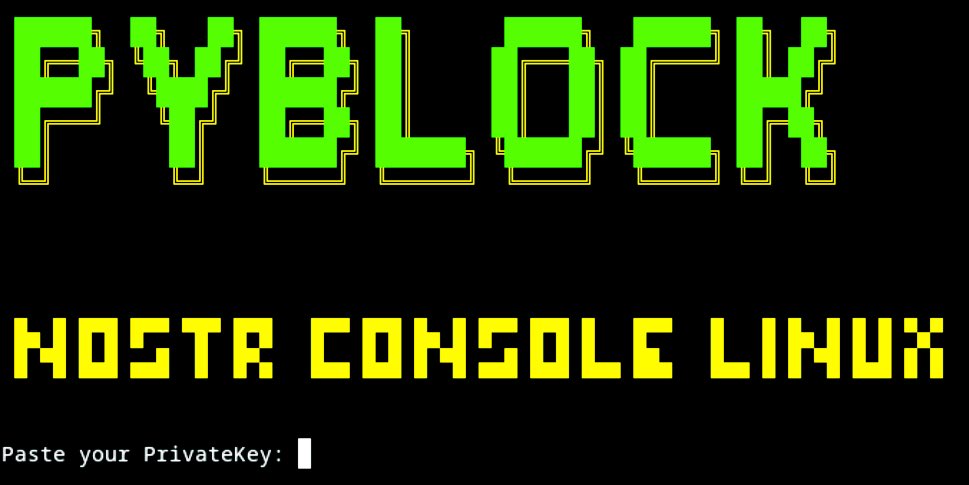
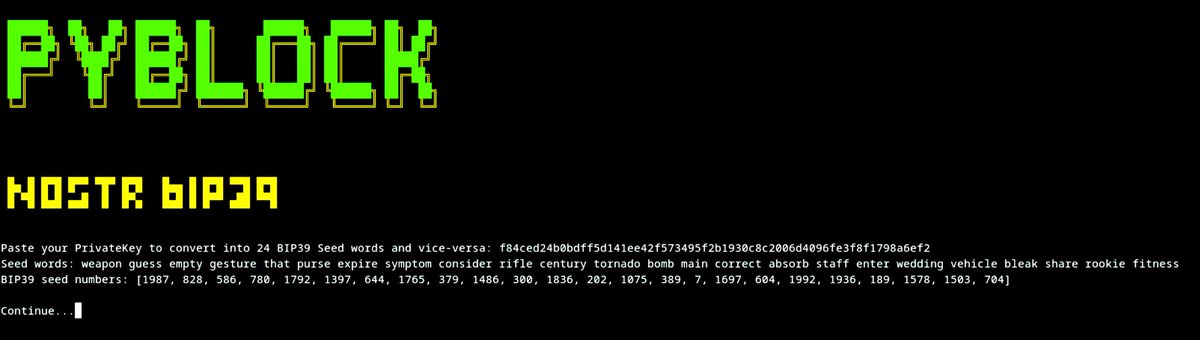
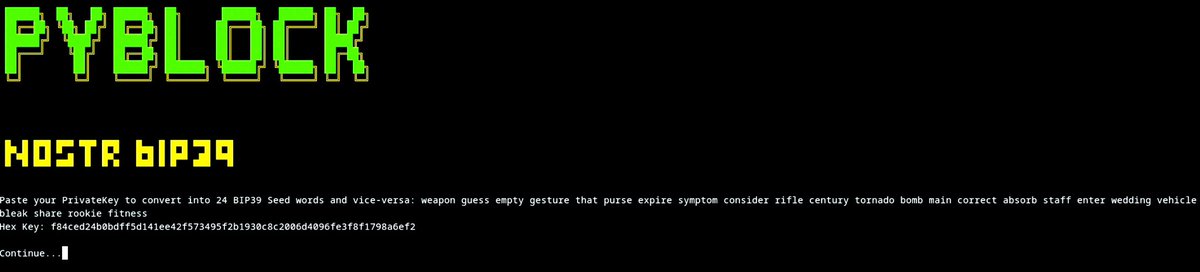
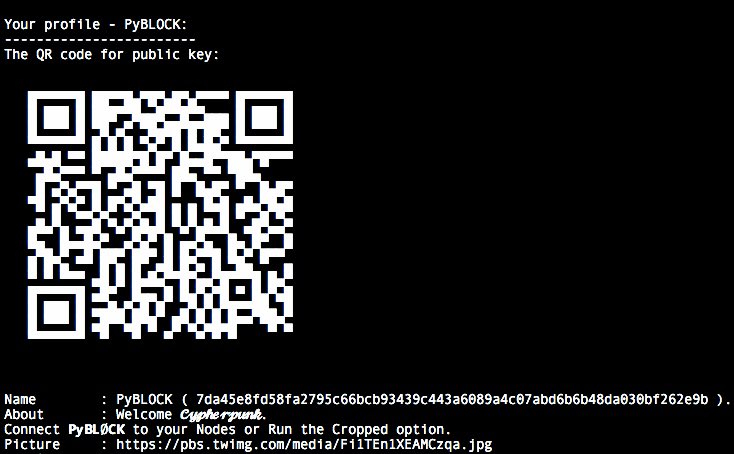
# PyBLOCK
ℙ𝕪𝔹𝕃𝕆ℂ𝕂 𝕚𝕥𝕤 𝕒 𝔹𝕚𝕥𝕔𝕠𝕚𝕟 𝔻𝕒𝕤𝕙𝕓𝕠𝕒𝕣𝕕 𝕨𝕚𝕥𝕙 ℂ𝕪𝕡𝕙𝕖𝕣𝕡𝕦𝕟𝕜 𝕒𝕖𝕤𝕥𝕙𝕖𝕥𝕚𝕔.
- This will fully work on a Node that has Bitcoin Core and LND installed.
- We fully tested and worked perfect on [MyNodeBTC](https://twitter.com/_PyBlock_/status/1402516068959199233)
- We fully tested and worked perfect on [RaspiBlitz](https://twitter.com/_PyBlock_/status/1405788110458441728)
- We fully tested and worked perfect on [BitcoinMachines](https://twitter.com/_PyBlock_/status/1365757861217861632)
- We fully tested and worked perfect on [Umbrel](https://twitter.com/_PyBlock_/status/1405574038320201733)
# First Start
- You will need to find the path of the files tls.cert and admin.macaroon to do the REST connection to have access to LND.
- [Poetry](https://python-poetry.org/) is needed to ensure every user has the same python dependencies installed.
### From LOCAL Node
Open the Terminal.
-- Easy mode:
* a@A:~> sudo apt install hexyl
* a@A:~> pip3 install pybitblock
* a@A:~> pyblock
-- Manual mode:
* a@A:~> sudo apt install hexyl
* a@A:~> pip3 install poetry
* a@A:~> git clone https://github.com/curly60e/pyblock.git
* a@A:~> cd pyblock
* a@A:~> poetry install
* a@A:~> cd pybitblock
* a@A:~> poetry run python3 PyBlock.py
-- Upgrade:
* a@A:~> pip3 install pybitblock -U
* a@A:~> pyblock
- This is how we continue.

- It will ask you for the IP:PORT (REST PORT) in this case use: localhost instead of the IP.

- Then it will ask you for the path to the tls.cert.

- Then it will ask you for the path to the admin.macaroon.

- Then it will ask you for the path to bitcoin-cli or if you have already installed just put: bitcoin-cli.

- And you are in.

### From REMOTE Computer
* You will need to have tls.cert and admin.macaroon already downloaded from your LND node.
* [Poetry](https://python-poetry.org/) is needed to ensure every user has the same python dependencies installed.
- Open the Terminal
-- Easy mode:
* a@A:~> sudo apt install hexyl
* a@A:~> pip3 install pybitblock
* a@A:~> pyblock
-- Manual mode:
* a@A:~> sudo apt install hexyl
* a@A:~> pip3 install poetry
* a@A:~> git clone https://github.com/curly60e/pyblock.git
* a@A:~> cd pyblock
* a@A:~> poetry install
* a@A:~> cd pybitblock
* a@A:~> poetry run python3 PyBlock.py
-- Upgrade:
* a@A:~> pip3 install pybitblock -U
* a@A:~> pyblock
- This is how we continue.
- It will ask you for the IP:PORT (REST PORT).

- Then it will ask you for the path to the tls.cert.

- Then it will ask you for the path to the admin.macaroon.

- Then it will ask you for the path to bitcoin-cli or if you have already installed just put: bitcoin-cli.
- And you are in.
## Dependencies
- Install Curl on Debian based type:
- sudo apt install curl
## How to execute
- python3 PyBlock.py
### Created by
[@Curly60e.](https://twitter.com/curly60e) ⚡️ curly60e@zbd.gg
npub1a78zk8cnczxjudg888f9t3va29vxhevvhdkdqvwe7zk70qx488zsc8573s
### Pentester and contribution by
[@SN.](https://twitter.com/__B__T__C__) ⚡️ sn@getalby.com
npub1h0mlskkqsyct98tldn744wa5j783h8du779c7zdjay29uyzwev4qxx9sjn
### Contributor
[@Danvergara.](https://twitter.com/__danvergara__)
### Tools by
[@SamouraiDev,](https://twitter.com/SamouraiDev)
[@Korynewton,](https://twitter.com/kn3wt)
[@Tippin_Me,](https://twitter.com/tippin_me)
[@TallyCoinApp,](https://twitter.com/tallycoinapp)
[@DJBooth007,](https://twitter.com/djbooth007)
[@MemPool,](https://twitter.com/mempool)
[@CoinGecko,](https://twitter.com/coingecko)
[@Igor_Chubin,](https://twitter.com/igor_chubin)
[@Shesek,](https://twitter.com/shesek)
[@LNBits,](https://twitter.com/lnbits)
[@LNPAYco,](https://twitter.com/LNPAYco)
[@OpenNodeCo,](https://twitter.com/OpenNodeCo)
[@BlockStream,](https://twitter.com/Blockstream)
[@Gwidion,](https://twitter.com/gwidion)
[@AlphaaZeta,](https://twitter.com/alphaazeta)
[@Hampus_S,](https://twitter.com/hampus_s)
[@Mutatrum,](https://twitter.com/mutatrum)
[@RoboHash,](https://twitter.com/Robohash)
[@C_Otto83,](https://twitter.com/c_otto83)
[@BashCo_,](https://twitter.com/BashCo_)
[@JamesOb,](https://twitter.com/jamesob)
[@BenTheCarman,](https://twitter.com/benthecarman)
[@Whale_Alert,](https://twitter.com/whale_alert)
[@BitcoinExplorer,](https://twitter.com/BitcoinExplorer)
[@JanoSide,](https://twitter.com/janoside)
[@LNstats,](https://twitter.com/LNstats)
[@Slush_Pool,](https://twitter.com/slush_pool)
[@Braiins_Systems,](https://twitter.com/braiins_systems)
[@CKPoolDev,](https://twitter.com/ckpooldev)
[@KanoBTC,](https://twitter.com/kanobtc)
[@JohnCantrell97,](https://twitter.com/JohnCantrell97)
[@JoostJgr,](https://twitter.com/joostjgr)
[@PRguitarman,](https://twitter.com/PRguitarman)
[@NyanCat,](https://twitter.com/nyannyancat)
[@Mononautical,](https://twitter.com/mononautical)
[@Janna3257,](https://twitter.com/Janna3257)
[@Cercatrova_21,](https://twitter.com/cercatrova_21)
[@ChaumDotCom,](https://twitter.com/chaumdotcom)
[@CashuBTC,](https://twitter.com/CashuBTC)
[@CalleBTC,](https://twitter.com/callebtc)
[@0xB10C,](https://twitter.com/0xB10C)
[@BitRawr,](https://twitter.com/bitrawr)
[@Vishalxl,](https://twitter.com/vishalxl)
[@Odudex,](https://twitter.com/odudex)
[@PyPi,](https://pypi.org/project/pybitblock/)
...
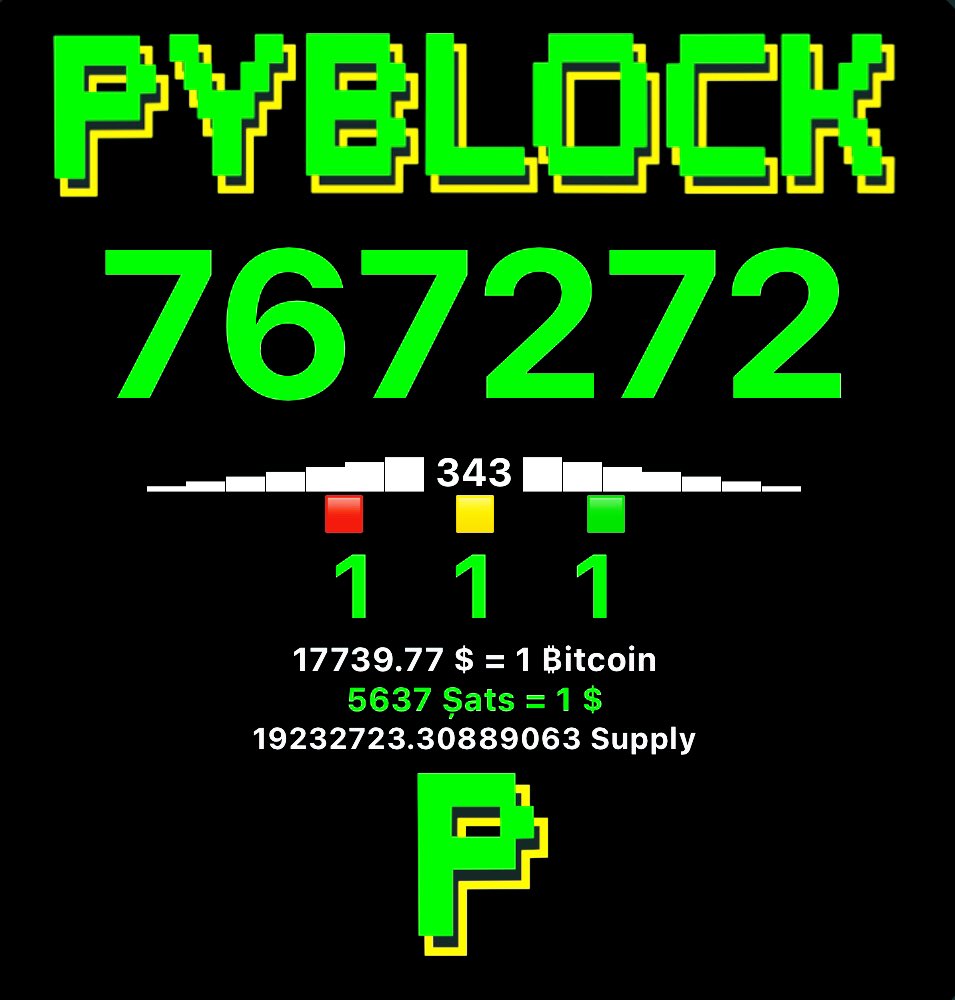
## PyBLØCK Widget
## Tutorial
1. Install the app "Scriptable" -> [Apple Appstore - Scriptable](https://apps.apple.com/ch/app/scriptable/id1405459188)
2. Open the app and click the "+" sign on the top right corner.
3. Copy or Download the following script created by [PyBLOCK](https://github.com/curly60e/pyblock/blob/master/PyBL%C3%98CK%20Widget.scriptable):
4. Paste or Open in Scriptable.
5. Run the script.
6. Click and done.
7. Go to the homescreen, press and hold for a few seconds to make the icons move. Tab on the top left corner the "+" symbol.
8. Scroll down untill you find the "Scriptable" App. Select it and scroll to the right for the full sized version.
9. Click "Add Widget" and tab the new created widget to edit it. Select the created script and you're done.
 ## SUPPORT PyBLØCK.
⚡️ curly60e@zbd.gg ⚡️
Bitcoin Address: bc1prwjajvvax2rkm2wzelpfzzc2ncywht69pswnurhzdfj9qujhyxzsqpd3eg
## SUPPORT PyBLØCK.
⚡️ curly60e@zbd.gg ⚡️
Bitcoin Address: bc1prwjajvvax2rkm2wzelpfzzc2ncywht69pswnurhzdfj9qujhyxzsqpd3eg
 Samourai Wallet Paynym: PM8TJhNTTq3YVocXuPtLjKx7pKkdUxqwTerWJ2j2a7dNitgyMmBPN6gK61yE17N2vgvQvKYokXktt6D6GZFTmocvDJhaUJfHt7ehEMmthjsT3NQHseFM
 Monero: 42jtb4dAfm6BQ8h6x56qGyAMMHVXGRwRMTSb2LwsBg1jVqD4TxfpD1pTK56tkrTMGhEKipZdDHfJrB1g8iQfvSyC7gZ9M8M
 PyBLØCK [Nostr Pulic Channel](https://anigma.io/?channel=ddadf6518d23d5e82a112b7965807ea2adfb22ec353a124fbf5f342e8403fdcb)