| gui | ||
| lndg | ||
| .gitignore | ||
| delete_payments.py | ||
| initialize.py | ||
| jobs.py | ||
| keysend.py | ||
| LICENSE | ||
| manage.py | ||
| nginx.sh | ||
| README.md | ||
| rebalancer.py | ||
| requirements.txt | ||
| systemd.md | ||
| systemd.sh | ||

lndg
Lite GUI web interface to analyze lnd data and manage your node with automation.
Setup
- Clone respository
git clone https://github.com/cryptosharks131/lndg.git - Change directory into the repo
cd lndg - Make sure you have python virtualenv installed
apt install virtualenv - Setup a python3 virtual environment
virtualenv -p python3 .venv - Install required dependencies
.venv/bin/pip install -r requirements.txt - Initialize a settings.py file for your django site
.venv/bin/python initialize.py - Migrate all database objects
.venv/bin/python manage.py migrate - Run the server via chosen webserver or via python development server
.venv/bin/python manage.py runserver <your_node_ip>:80 - Generate some initial data for your web GUI
.venv/bin/python jobs.py
Note: If you are not using the default path for LND ~/.lnd you can add a custom path in the django settings file lndg/settings.py
Updating
- Make sure you are in the lndg folder
cd lndg - Pull the new files
git pull - Migrate any database changes
.venv/bin/python manage.py migrate
Backend Data Refreshes and Automated Rebalancing
The files jobs.py and rebalancer.py inside lndg/gui/ serve to update the backend database with the most up to date information and rebalance any channels based on your lndg dashboard settings and requests. A refresh interval of at least 15-30 seconds is recommended for the best user experience.
You can find instructions on settings these files up to run in the background via systemd here.
If you are familiar with crontab, this is also an option for setting up these files to run on a frequent basis, however it only has a resolution of 1 minute.
A bash script has also been included to install the systemd setup. sudo bash systemd.sh
Nginx Webserver
If you would like to serve the dashboard at all times, it is recommended to setup a proper production webserver to host the site.
A bash script has been included to help aide in the setup of a nginx webserver. sudo bash nginx.sh
API Backend
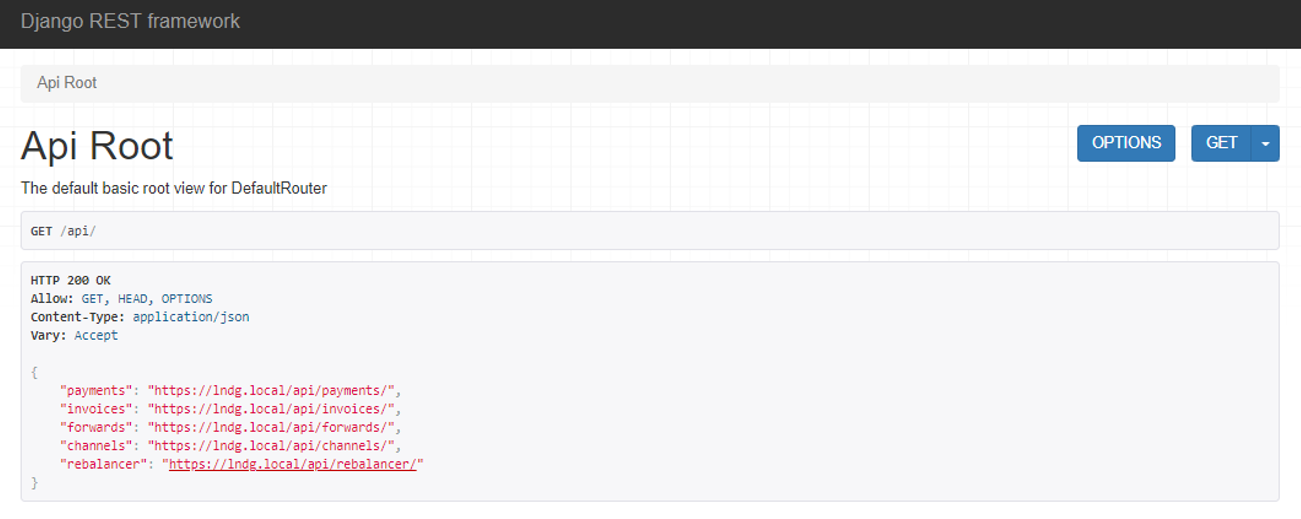
The following data can be accessed at the /api endpoint: payments, invoices, forwards, channels, and rebalancer
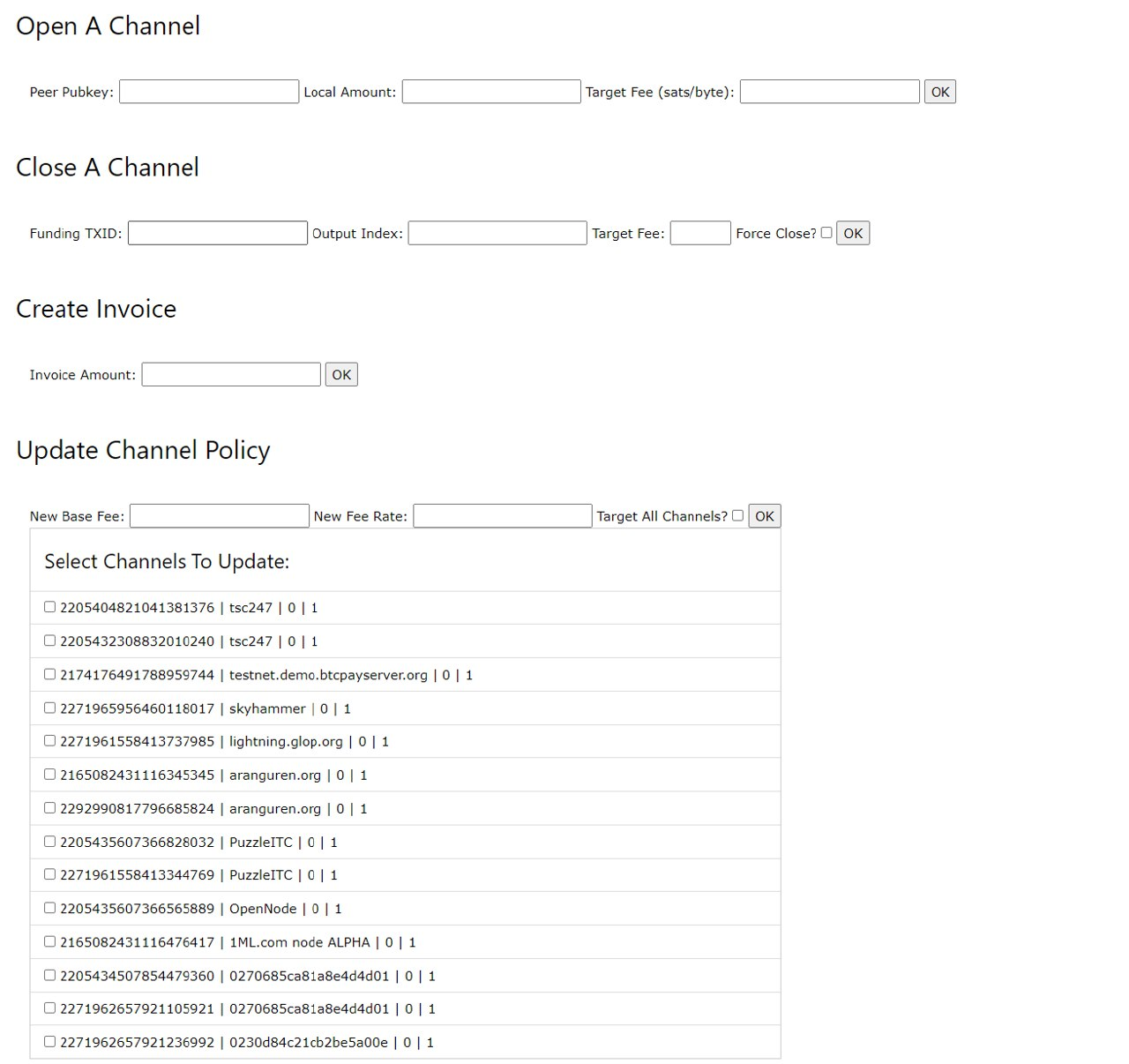
Preview Screens
Main Dashboard
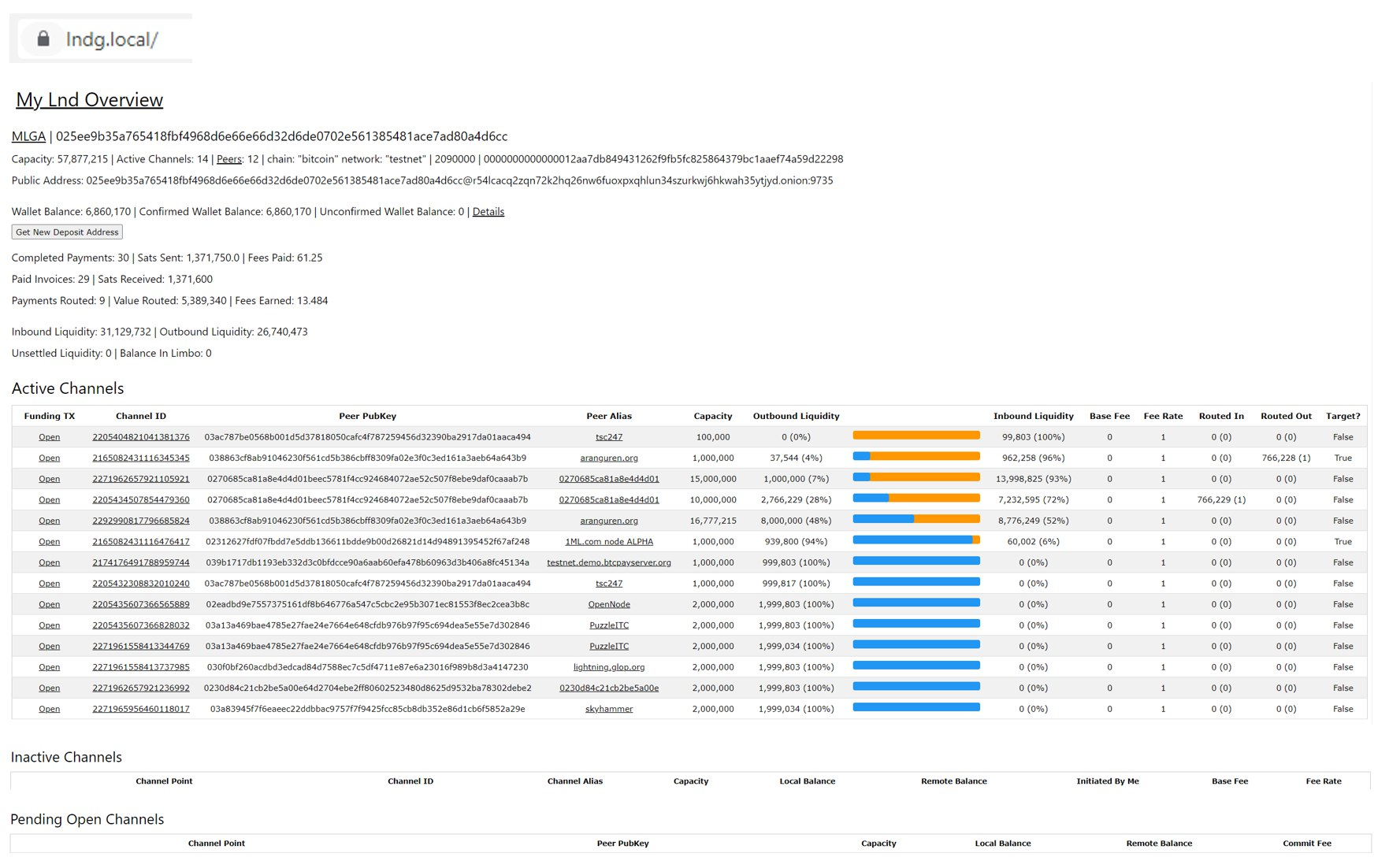
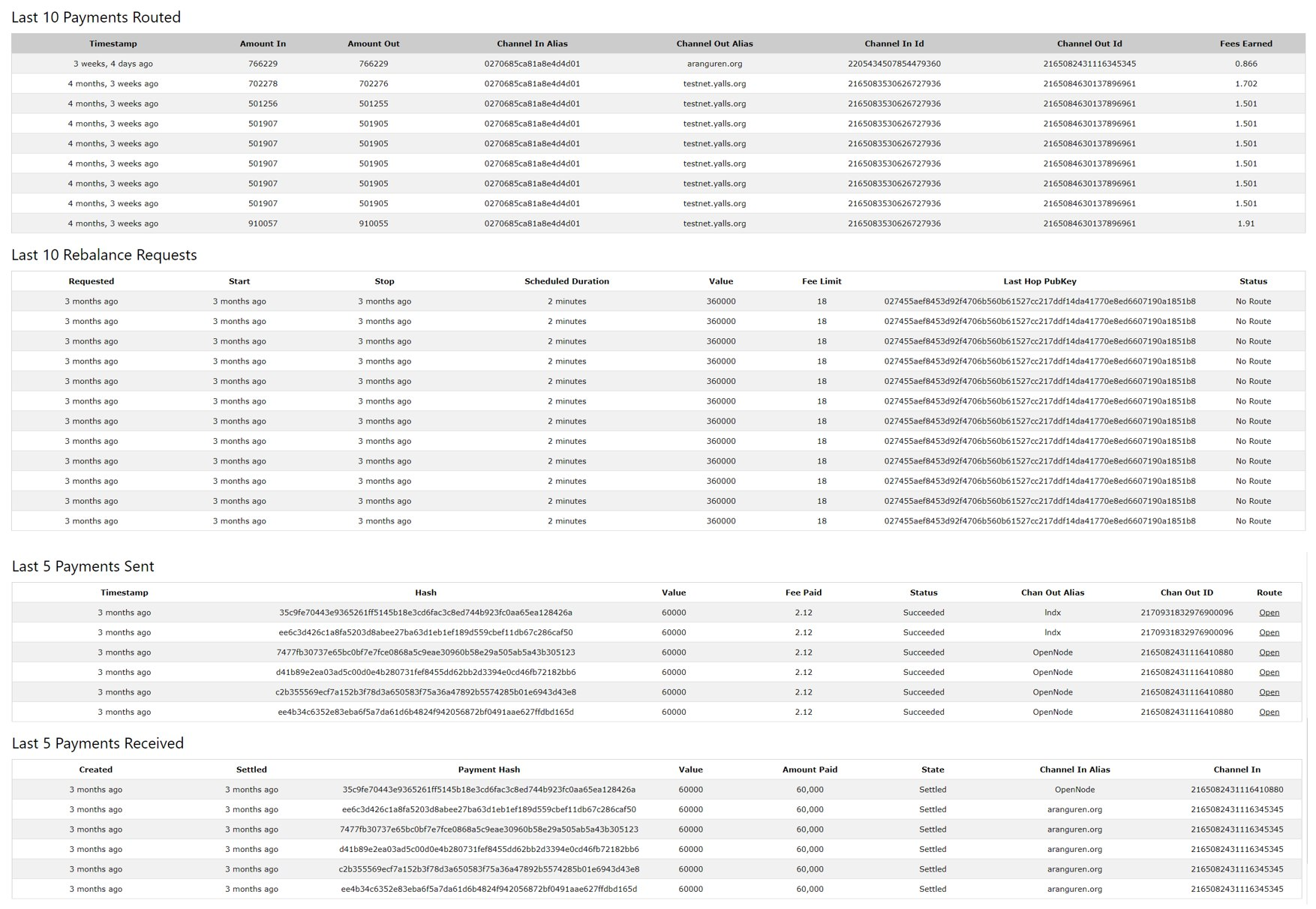
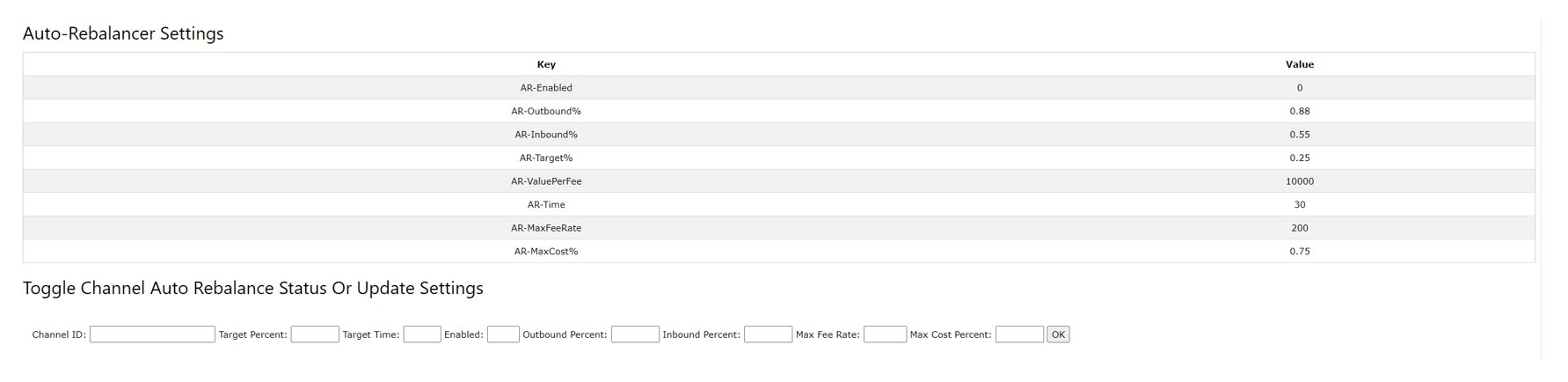
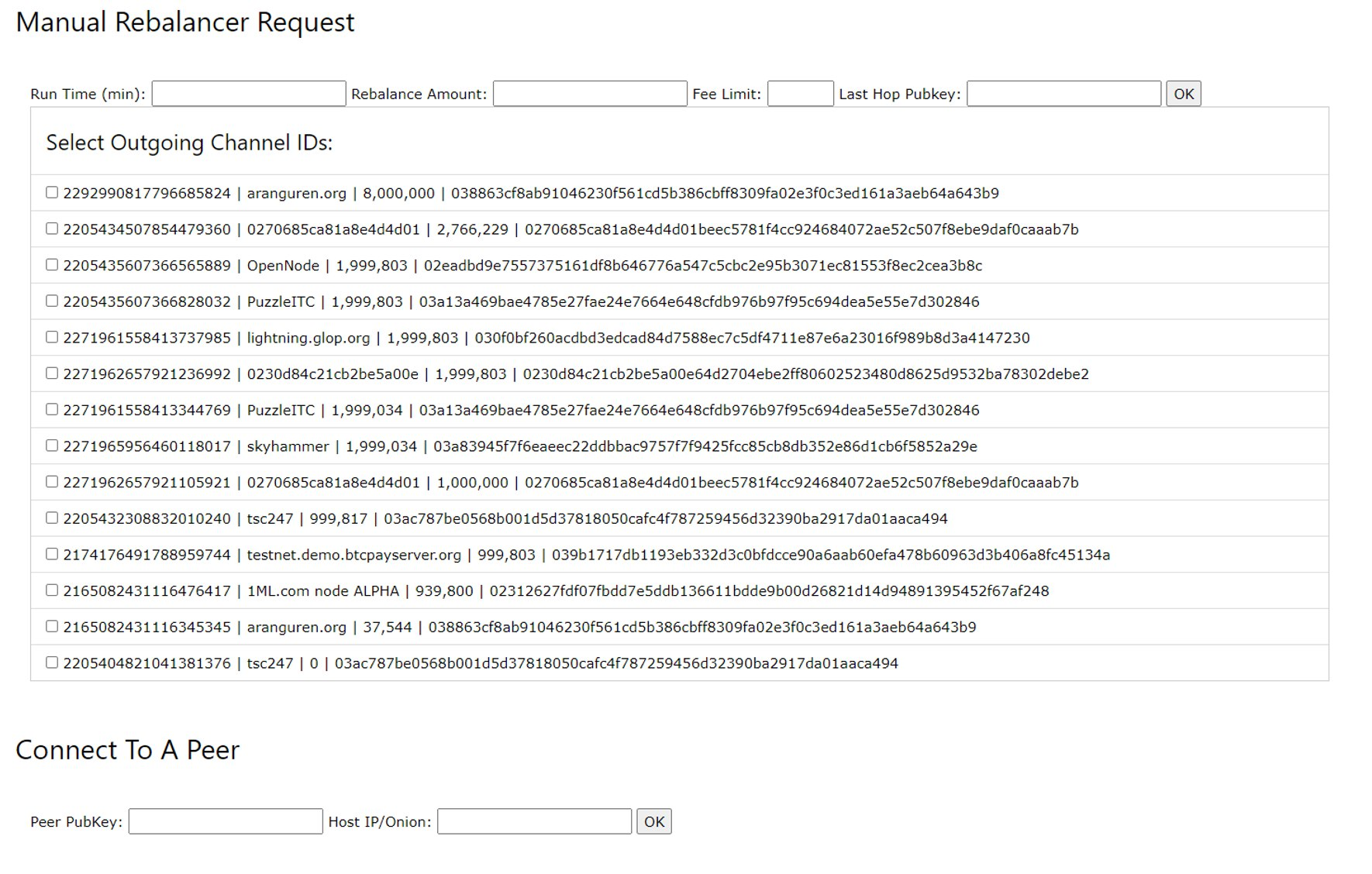
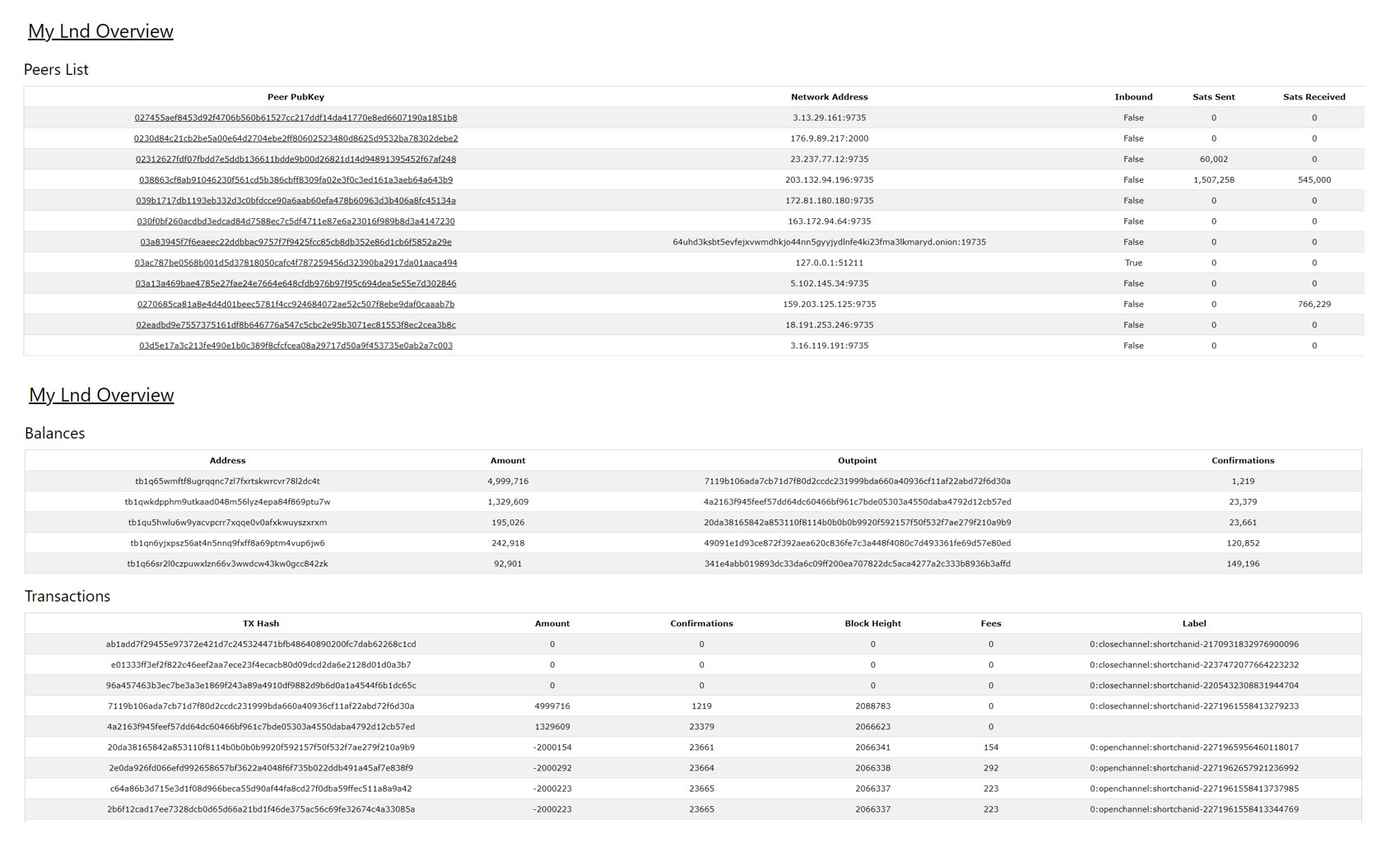
Peers, Balances and Routes All Open In Separate Screens

Browsable API at /api (json format available with url appended with ?format=json)
New! View Keysend Messages (you can only receive these if you have accept-keysend=true in lnd.conf)
